SQLite was doing exactly what it promised. Our mental model was the fragile part.
That was the lesson hiding inside our SSO test suite. We moved the suite to SQLite because local development should be fast, cheap, and boring. Then the tests turned red.
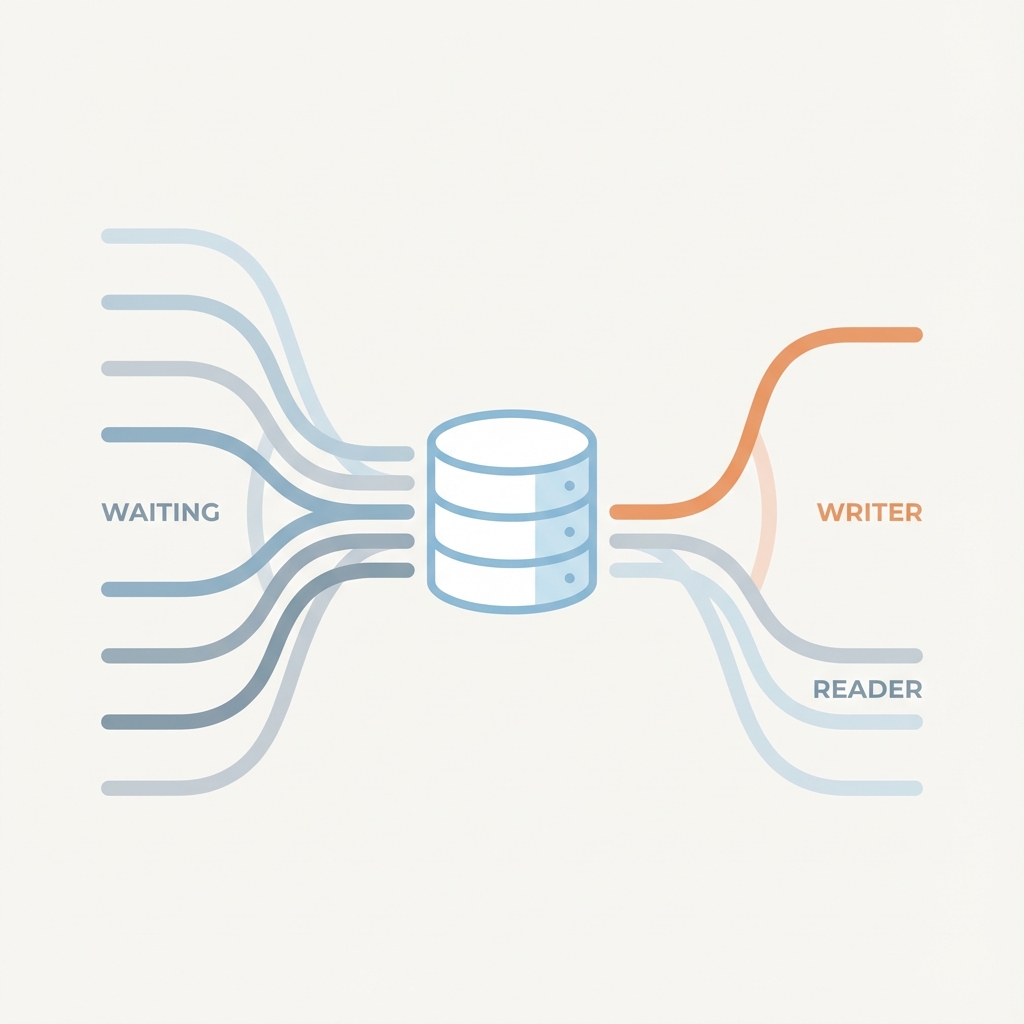
The mistake was simple. We treated SQLite like a smaller PostgreSQL. SQLite has different physics: multiple readers are fine, one writer wins, and everyone else waits.
Respect that, and SQLite behaves. Ignore it, and SQLITE_BUSY becomes your new teammate.
The First Lie: More Connections Means More Speed
Our first pass was lazy in the ordinary way. We swapped the Postgres driver for SQLite and kept the existing pool configuration: 100 max connections.
Then we ran the integration tests with 8 parallel workers.
Instead, we got a sea of red.
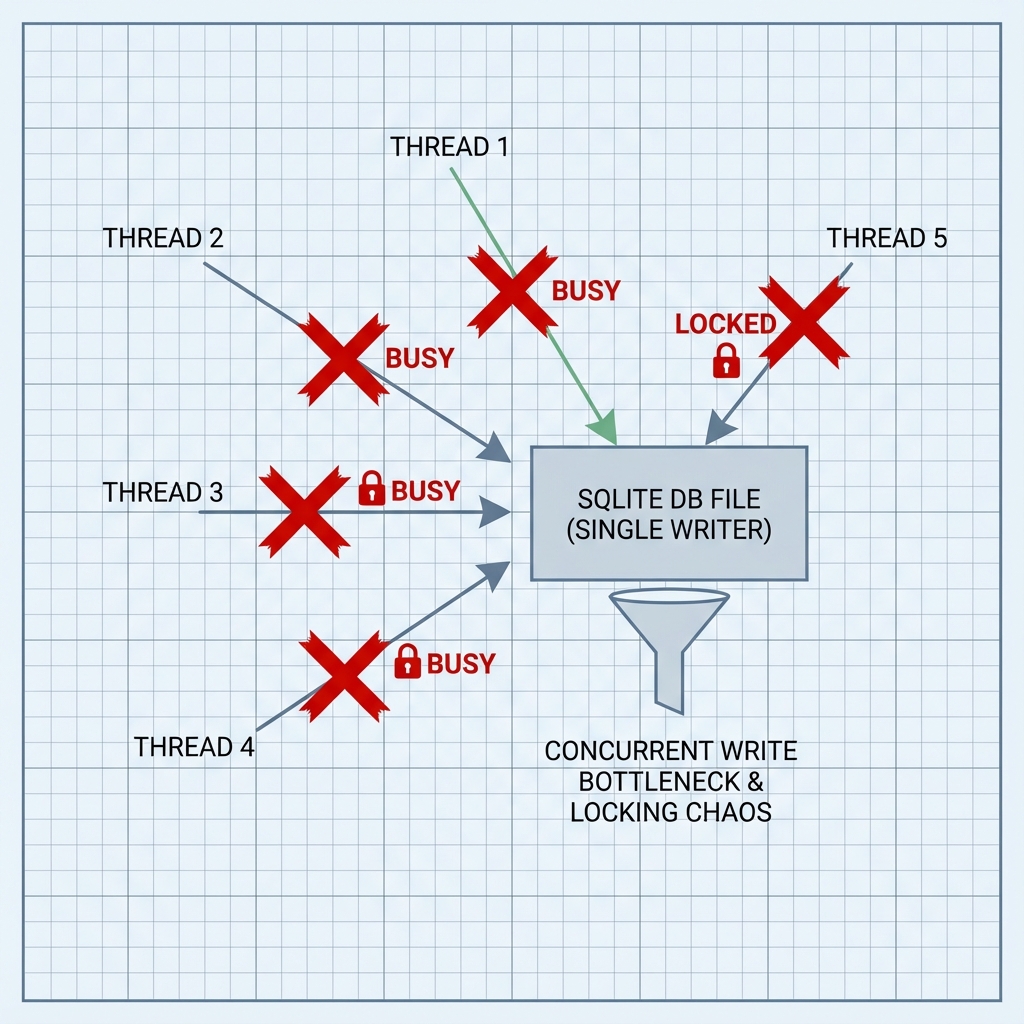
Tests failed with 500 Internal Server Error and generic Database busy messages. The cause was not mysterious. SQLite allows multiple readers, but only one writer at a time.
Eight workers were trying to write at once. One grabbed the lock. The next one hit the locked file. The application surfaced the failure as an HTTP error.
The database was doing exactly what it promised. Our pool was the thing lying to us.
Retries Only Hide Contention
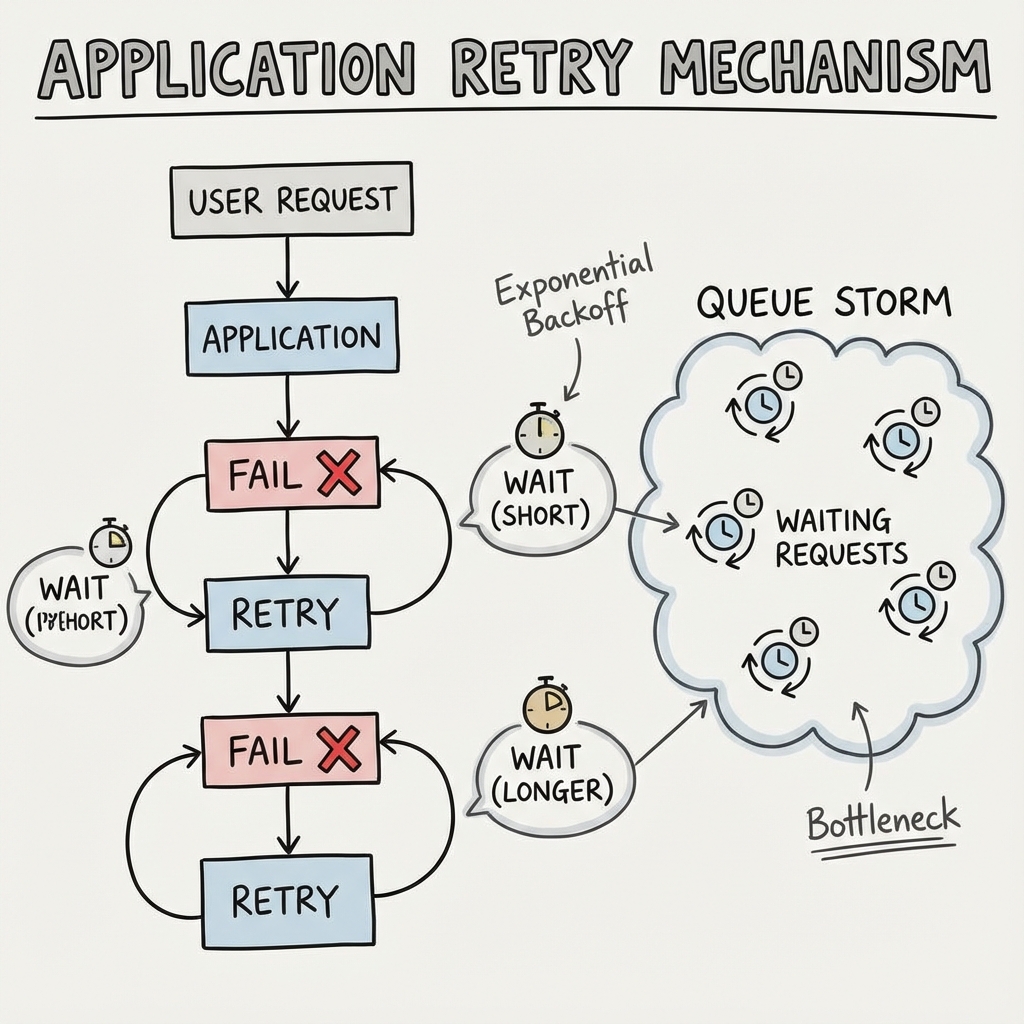
The obvious fix was also the wrong one: wait longer.
- Increased SQLite timeout: We bumped the
busy_timeoutto 30 seconds. - Application-level Retries: We wrapped our transaction logic in a retry loop with exponential backoff.
This improved the error rate a little. It made the system feel worse.
Requests that should take 50ms took 15 seconds. The retry queue became its own failure mode. Workers held open transactions while waiting for locks, which made the next worker wait even longer.
We had not solved contention. We had serialized pain and called it resilience.
The Raw SQL Trap
The next fix looked more serious. Standard deferred transactions (BEGIN) acquire the write lock only when the first write statement runs. By then, another connection might already have grabbed it.
We switched to BEGIN IMMEDIATE. This forces the transaction to acquire the write lock upfront.
Good idea. Wrong execution.
Our ORM stack (SeaORM/SQLx) runs on a connection pool. When we executed:
db.execute("BEGIN IMMEDIATE").await?;
db.query("...").await?;
db.execute("COMMIT").await?;
there was no guarantee that query or COMMIT would run on the same connection that started the transaction. The pool could hand us a different connection for the next line. That produced errors like cannot start a transaction within a transaction.
Raw SQL did not fix the architecture. It just made the bug more interesting.
One Writer Means One Writer
The solution was to stop pretending SQLite wanted a crowd of writers.
If SQLite only supports one writer, the application should only have one writer.
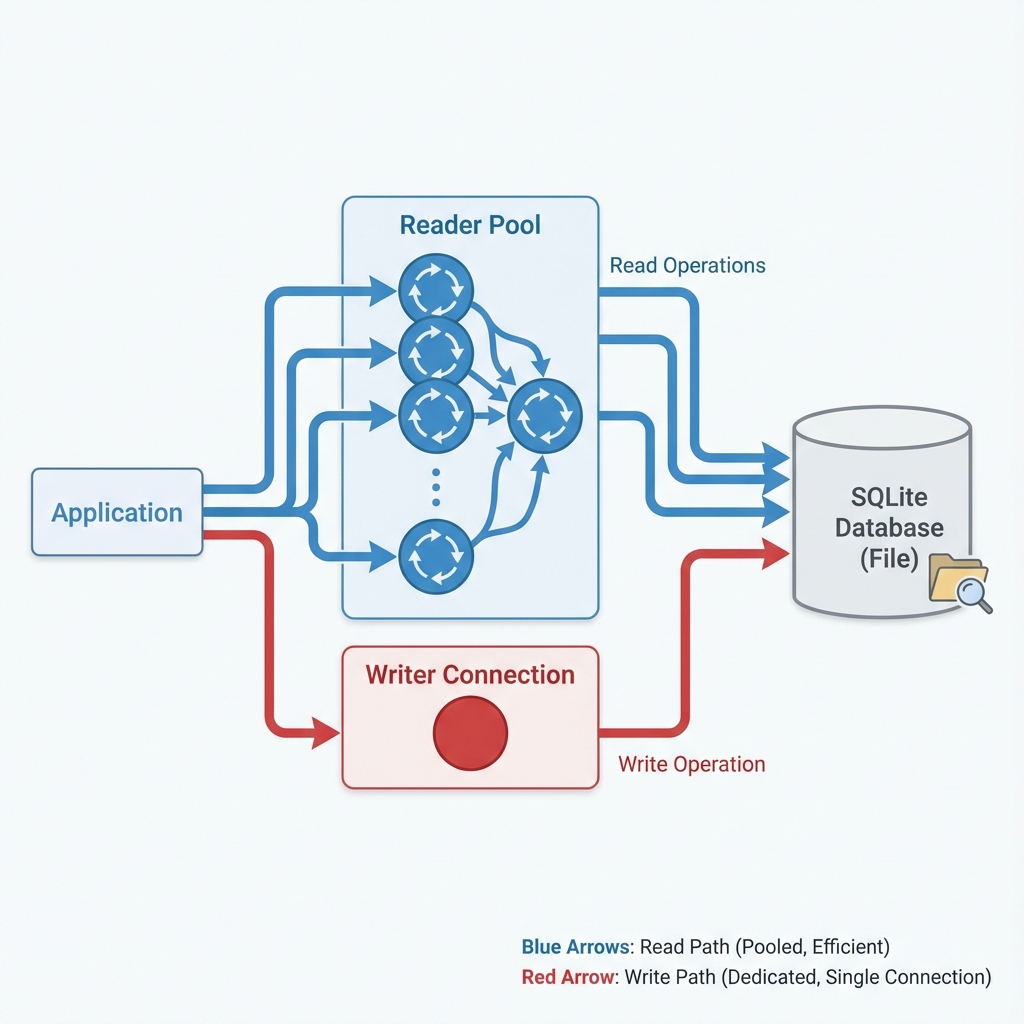
We implemented a Split Connection Architecture:
- Reader Pool (
db): A standard pool for read-only operations. Multiple connections, fully concurrent. - Writer Pool (
db_writer): A specific pool logically restricted to max_connections = 1.
We refactored our critical with_retrying_transaction helper to conditionally use this dedicated writer connection for SQLite builds:
// SQLite-specific path
#[cfg(feature = "db_sqlite")]
{
    // Acquire the exclusive writer connection
    let txn = db_writer.begin().await?;
    // ... perform operations ...
    txn.commit().await?;
}
Now every write is serialized in the application layer before it reaches SQLite. The database no longer has to referee a fight we created.
No lock storm. No retry storm. No fake parallelism.
The Result
Our test suite now passes consistently with 8 workers. Timeouts are gone.
SQLite did not need saving. Our architecture did.
The rule is blunt: do not point a giant write pool at a single-writer database and act surprised when it pushes back. Use read concurrency where SQLite gives it to you. Serialize writes where SQLite demands it.
That is using the tool on its own terms.