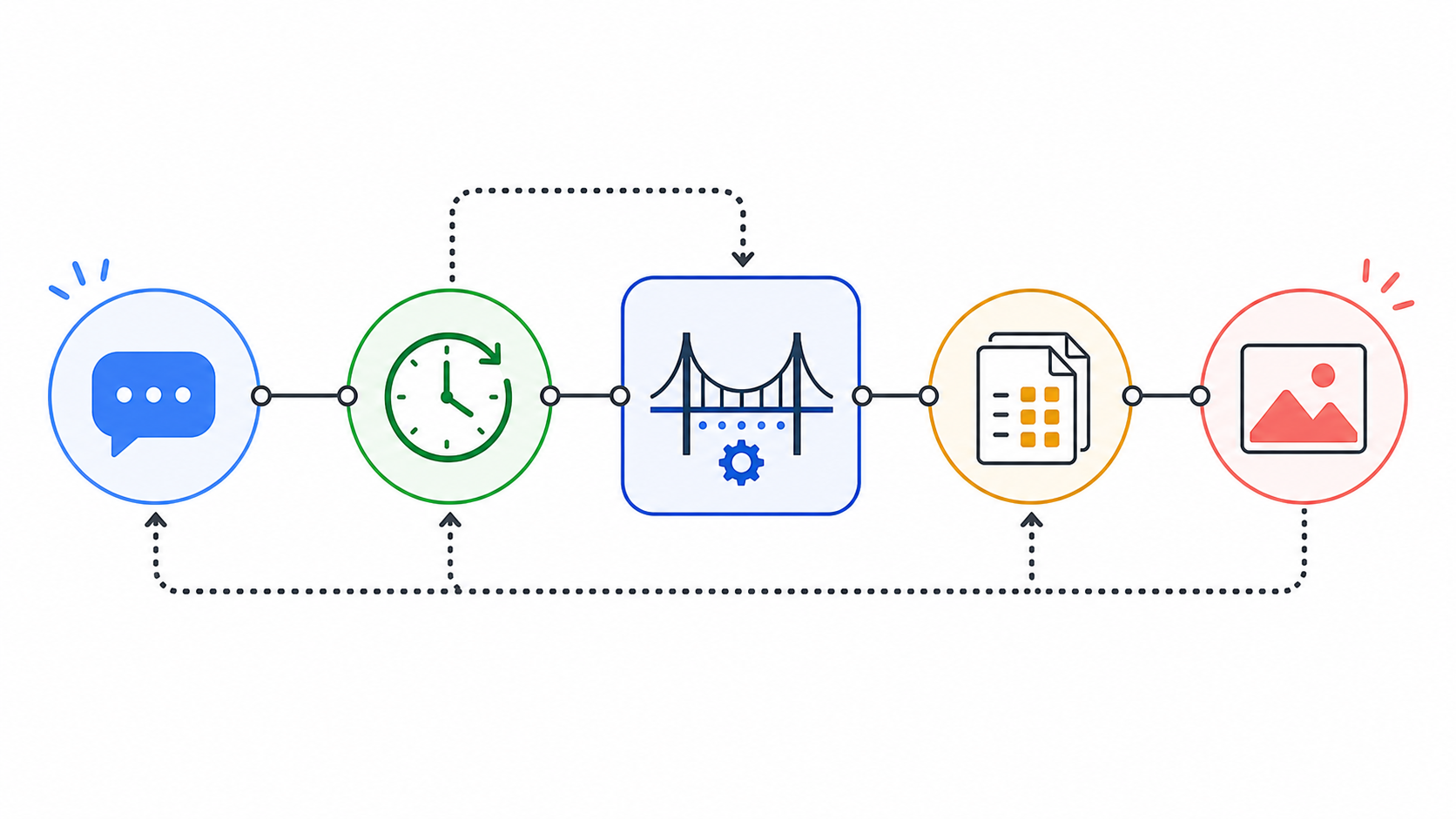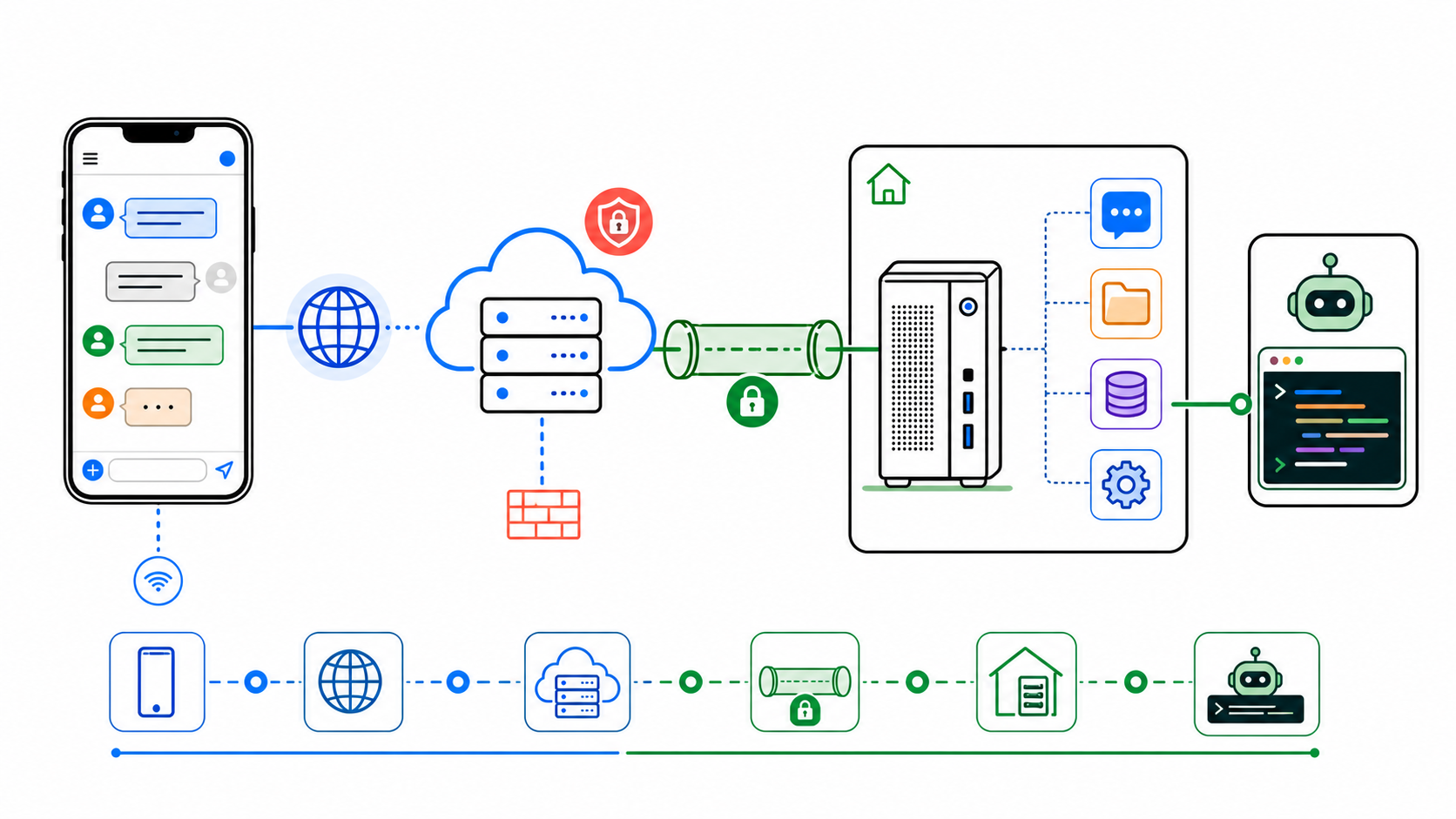
This is the setup I used to test a local OCR API that reads document images and, for Kenyan ID-style documents, returns structured JSON fields.
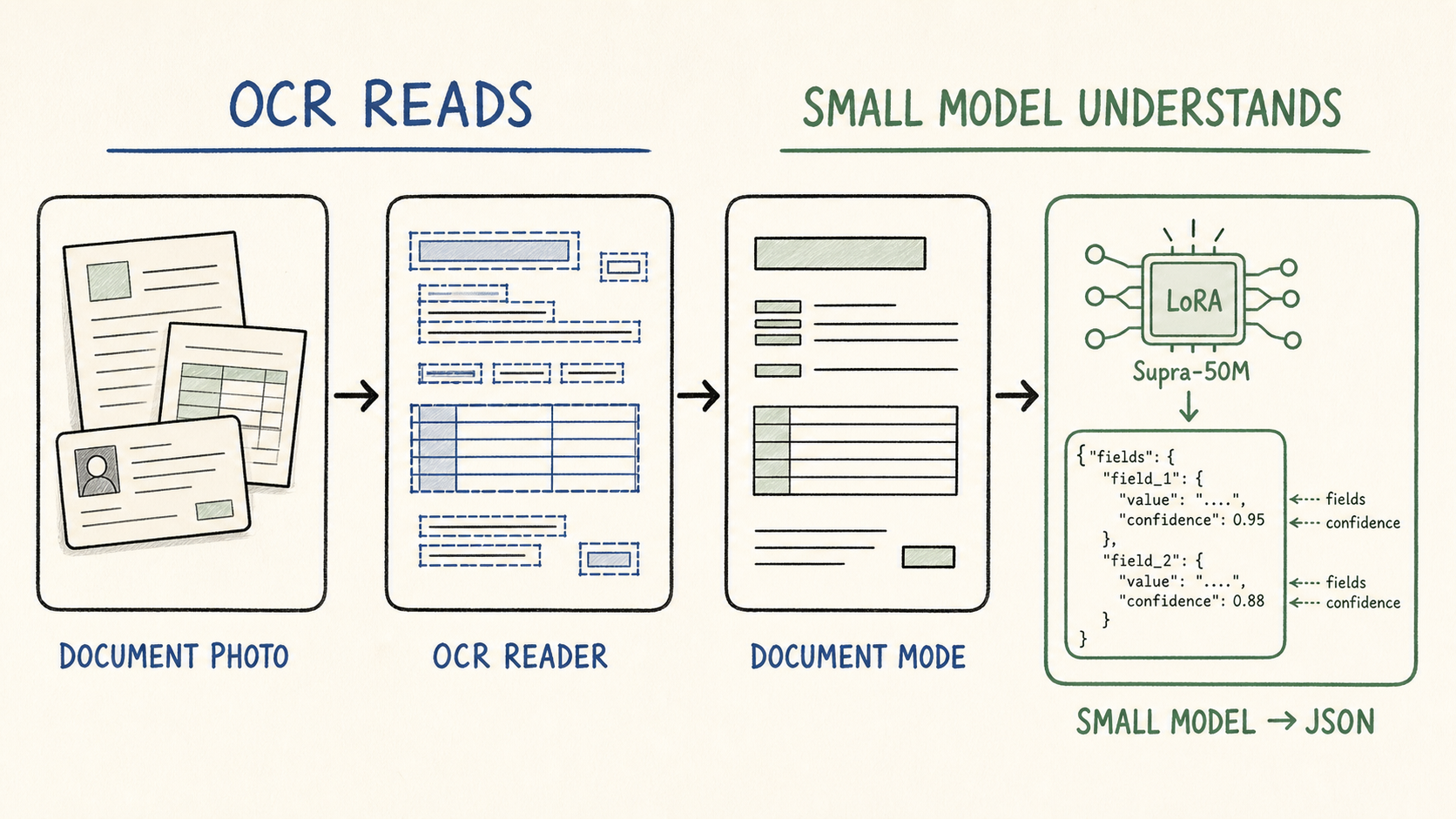
The pipeline is:
image
  -> PP-OCRv6 detection + recognition
  -> document-specific cleanup mode
  -> optional Supra-50M understanding model
  -> JSON fields with confidence
The service is a Rust binary. PP-OCRv6 runs through tract. The optional understanding stage is a LoRA-fused Supra-50M model running locally through candle.
1. Build the understanding-enabled binary
From the OCR project:
cd /home/ck/Desktop/projects/silly/paddle-paddle-v6-ocr-rust
cargo build --release --features understanding
Start it on a temporary local port:
OCR_PORT=3099 ./target/release/ppocr-server --no-prewarm
On first run, the server downloads the OCR and Supra weights, verifies SHA-256 checksums, and caches them under PPOCR_CACHE_DIR or the default user cache path.
In this run, the server fetched:
PP-OCRv6_medium_det
PP-OCRv6_medium_rec
supra-kenya-id
The Supra model adds about 136 MB to the cache, uses roughly 1.2 GB RAM when loaded, and adds about one second of CPU work per ID request.
2. Use synthetic test documents
Do not publish real IDs or logbooks in a blog post. I generated synthetic fixtures that preserve the layout pressure of the real documents without becoming usable documents: similar field placement, table density, label/value spacing, background texture, and camera noise, with clear SAMPLE / NOT VALID markings.
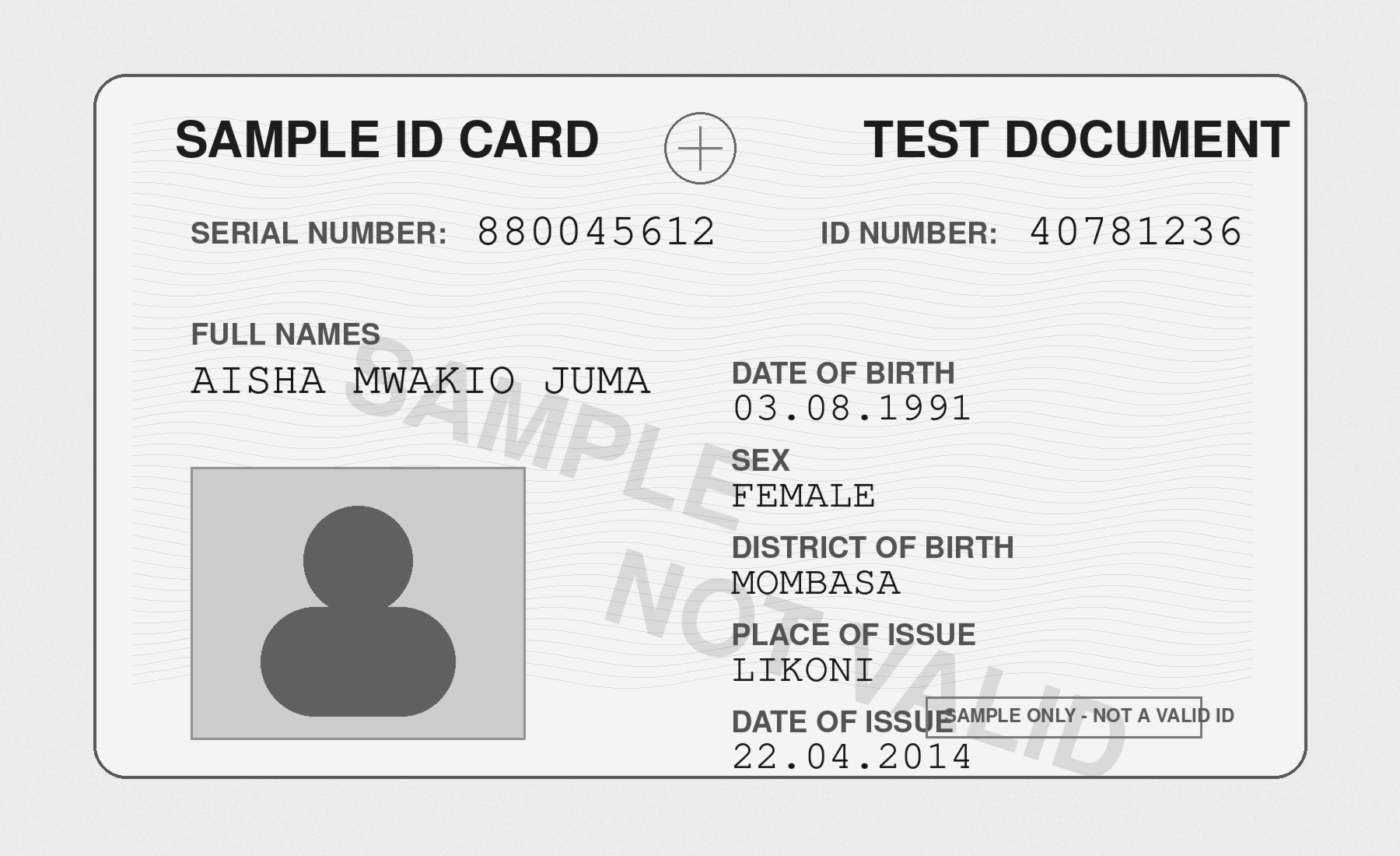
3. Run OCR plus JSON extraction on the ID fixture
Request:
curl -X POST \
  "http://127.0.0.1:3099/v1/ocr?mode=kenya_id&understand=true&det_model=PP-OCRv6_medium_det&rec_model=PP-OCRv6_medium_rec" \
  --data-binary @/home/ck/Desktop/projects/silly/ck/static/images/ocr-clerk-sample-id.png \
  -H "Content-Type: application/octet-stream"
Result summary:
mode: kenya_id
elapsed_ms: 10135
num_lines: 18
The annotated image below was generated from the actual lines[].points returned by the API.
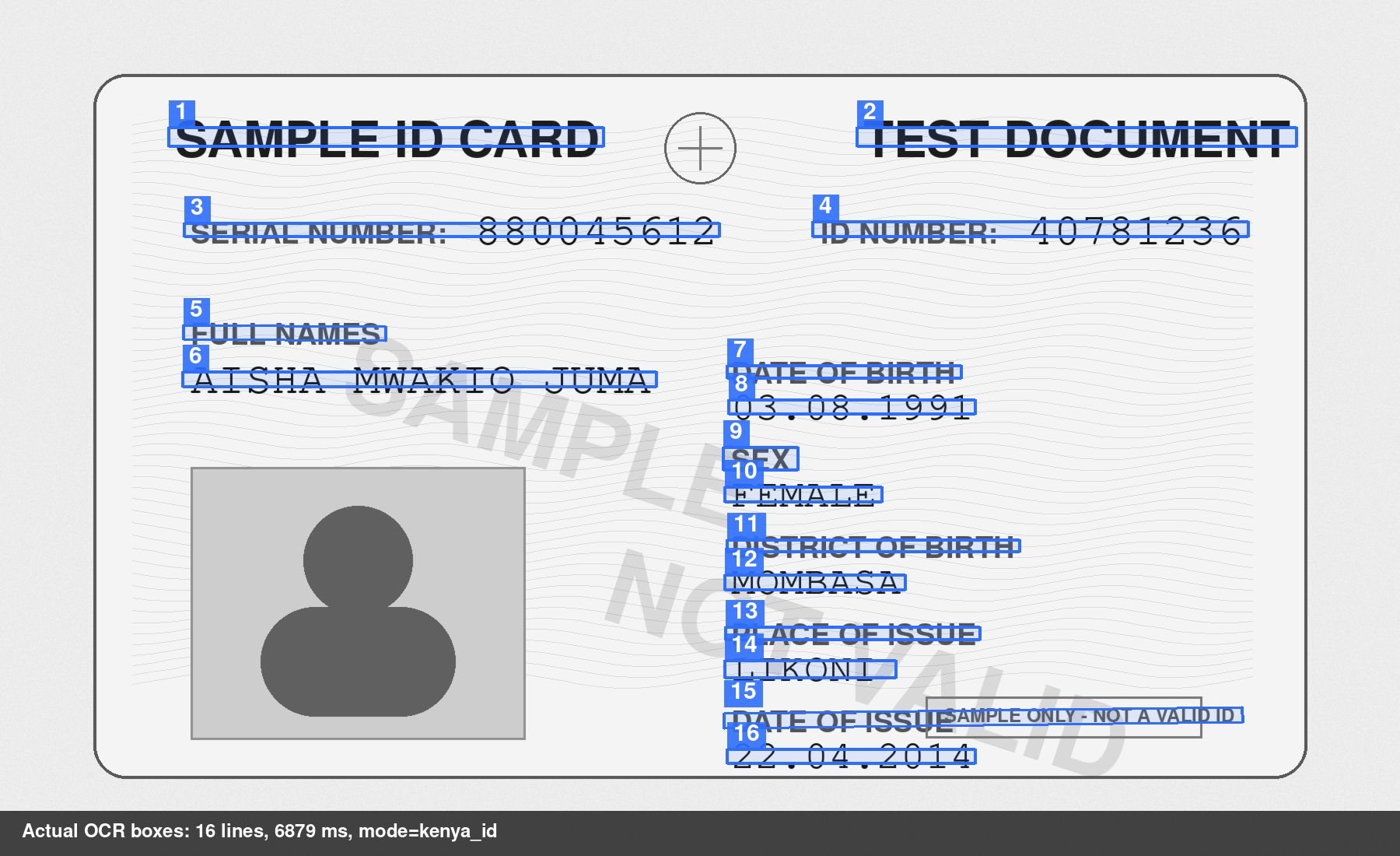
The OCR text came back as:
TEST ID CARD
SERIAL NUMBER
ID NUMBER
900112233
12345678
SAMPLE/NOT VALID
FULL NAMES
AMINA KIPRONO TESTER
DATE OF BIRTH
25.05.1993
SEX
FEMALE
DISTRICT OF BIRTH
PLACE OF ISSUE
DATE OF ISSUE
NANDI SOUTH
TINDIRET
14.10.2011
The understanding stage returned:
{
  "serial_number": { "value": "900112233", "confidence": 1.0 },
  "id_number": { "value": "12345678", "confidence": 0.99 },
  "full_names": { "value": "AMINA KIPRONO TESTER", "confidence": 0.96 },
  "date_of_birth": { "value": "25.05.1993", "confidence": 1.0 },
  "sex": { "value": "FEMALE", "confidence": 1.0 },
  "district_of_birth": { "value": "PLACE OF ISSUE", "confidence": 1.0 },
  "place_of_issue": { "value": "TINDIRET", "confidence": 0.89 },
  "date_of_issue": { "value": "14.10.2011", "confidence": 0.98 }
}
The bad field is district_of_birth. It should be NANDI SOUTH, but the model returned PLACE OF ISSUE.
The annotated image explains the failure. OCR detected the three labels DISTRICT OF BIRTH, PLACE OF ISSUE, and DATE OF ISSUE as one row. The values came later as a separate row. The understanding model mapped one label as if it were the value.
That is exactly why the intermediate annotated image is useful. It shows whether the failure came from OCR detection, OCR recognition, layout ordering, or the JSON extraction model.
4. What the Supra stage does
The understanding feature is currently wired for mode=kenya_id.
Its schema is:
serial_number
id_number
full_names
date_of_birth
sex
district_of_birth
place_of_issue
date_of_issue
The model generates JSON from noisy OCR lines. The server then wraps each field as:
{ "value": "...", "confidence": 0.96 }
The confidence is calculated from generation token probabilities. For each field value, the server reports the lowest token probability among the tokens used to produce that value. It is not a complete confidence system, but it is better than returning structured JSON with no uncertainty at all.
5. Run the logbook fixture
The logbook mode does not yet have a structured JSON model. It only performs document cleanup.

Request:
curl -X POST \
  "http://127.0.0.1:3099/v1/ocr?mode=kenya_logbook&det_model=PP-OCRv6_medium_det&rec_model=PP-OCRv6_medium_rec" \
  --data-binary @/home/ck/Desktop/projects/silly/ck/static/images/ocr-clerk-sample-logbook.png \
  -H "Content-Type: application/octet-stream"
Result summary:
mode: kenya_logbook
elapsed_ms: 9540
num_lines: 61

Excerpt from the OCR output:
Registration
KXX 000X
Number of Passengers
5
Chassis/Frame
TST-AW-110821
Tare Weight (Kgs)
1330.0
Make of Vehicle
EXAMPLE MOTORS
Tax Class
PRIVATE
...
Previous Reg. Country
Fuel Type
DIESEL
Previous Registra
...
Number of Previous Owners 0
This is useful OCR cleanup, not full document understanding. If logbooks need reliable JSON output, they need their own schema and adapter instead of reusing the ID model.
6. Deployment shape
The deployed service sits behind local Nginx:
ocr.servos.dev
  -> local Nginx
  -> 127.0.0.1:3088
  -> ppocr-server
The important boundary is the API mode:
general        read text
document       document-friendly OCR
kenya_id       ID cleanup
kenya_id + understand=true
              ID JSON extraction
kenya_logbook  logbook cleanup
Do not keep adding document-specific behavior to the global OCR path. Add a mode. If fields matter, add a schema-specific parser or small model for that document type.